

Split an image into Instagram carousel slides
Split panoramic Instagram posts or AI image grids into carousel slides with a cropper and divider, then download an ordered ZIP without losing quality.
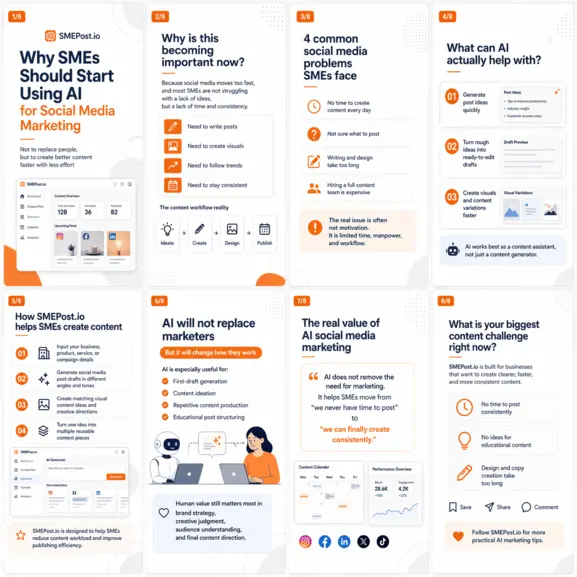


Drag an image here or click to select PNG, JPG, JPEG, or WebP.
Tip: press Ctrl/Cmd + V to paste a screenshot directly.
Learn about SMEPost's upload formats and requirements. See how we use your content in our Privacy Policy.

Need an Instagram carousel from text or a URL first?
Open Instagram Carousel MakerTurn this split into a publish-ready carousel
Use a result-first workflow to keep editing simple: review the split, sharpen key slides, then export.
Review each panel quickly
Scroll the carousel and check order, crop edges, and visible text before you export.
Upscale only the slides that need it
Run a one-click sharpen pass on slides with small text, faces, or product detail.
Download files named for posting
Save individual panels or grab the full ZIP — files are sequenced and ready to schedule.
Built for AI image grids, not generic crop tools
Layout-aware splitting
SMEPost's layout engine scans your entire image for horizontal and vertical dividers, identifies repeating card structures, and estimates the output ratio — all in one pass. Whether you generate a 2×4 portrait grid, a 3×3 square collage, or a mixed-height editorial panel, the splitter adapts automatically so you rarely need to correct a single slice. Works with output from Midjourney, DALL-E 3, GPT Image, Stable Diffusion, Ideogram, FLUX, Imagen, Nano Banana, Seedream, and every major image AI.
Manual correction with zoom
Not every AI-generated grid has pixel-perfect gutters. Manual mode lets you lock your selection to exact social ratios — 1:1 for Facebook, 4:5 for Instagram portrait, 9:16 for Reels, 16:9 for cover banners — while the live zoom lens magnifies the area under your cursor so you can fine-tune crop borders to the pixel. Add as many manual crops as needed, in any order, layered on top of the auto result.
Ready for download or upscale
Each crop downloads with a sequenced filename so your scheduler knows the posting order the moment you unzip. For slides where text sharpness or product detail matters, the one-click upscale route pushes the image through SMEPost's enhancement pipeline and saves it directly to your workspace — no re-uploading, no tab-switching, no re-cropping.