



Your next video is already included
Plus and Pro come with a CapyFrame Creator membership worth US$20. Sign in with SMEPost, turn one brief into a finished video, then schedule it to Facebook and Instagram — no extra subscription.
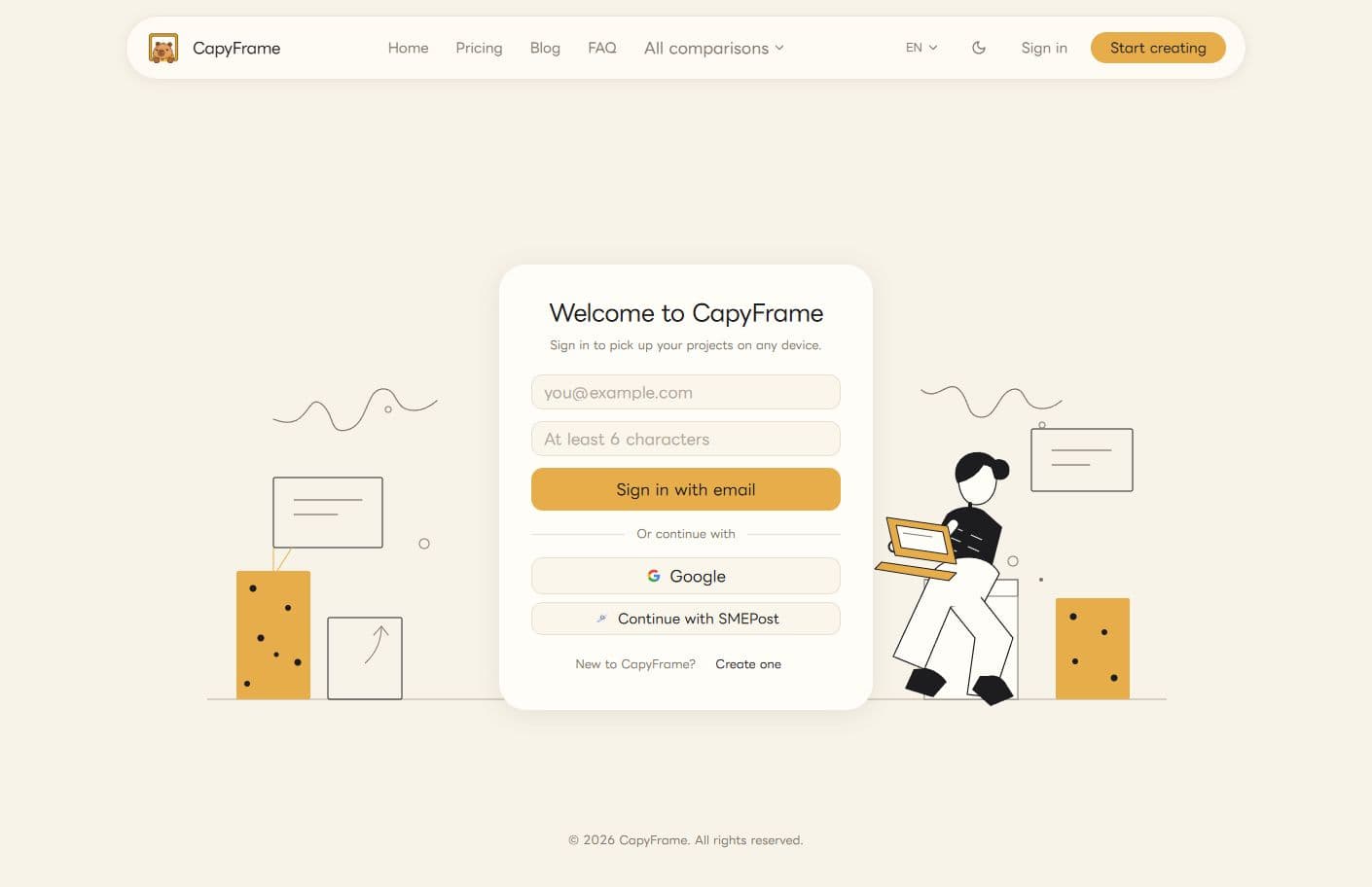
1. Open CapyFrame sign-in
Open the CapyFrame sign-in page and choose Continue with SMEPost. Your return path is kept securely for the sign-in flow.
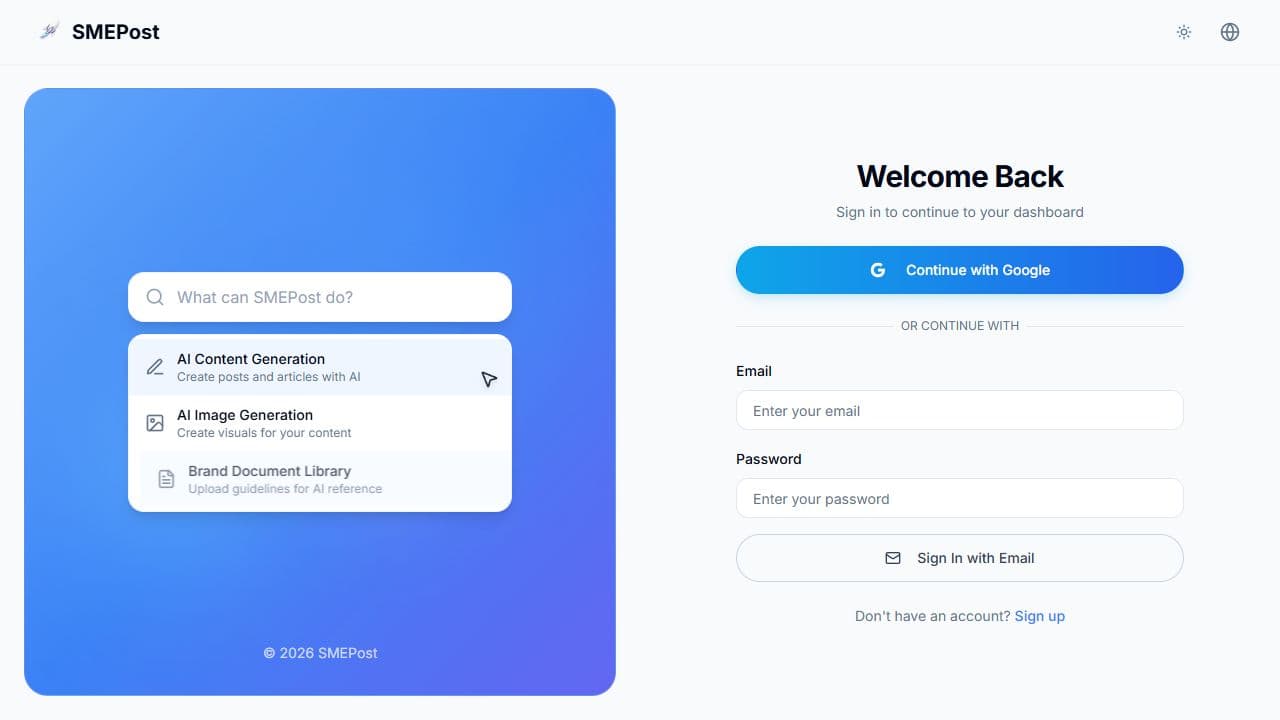
2. Sign in to SMEPost
Enter your verified SMEPost email and password. If you are not signed in, SMEPost sends you to its sign-in page and then returns you to the authorization screen.
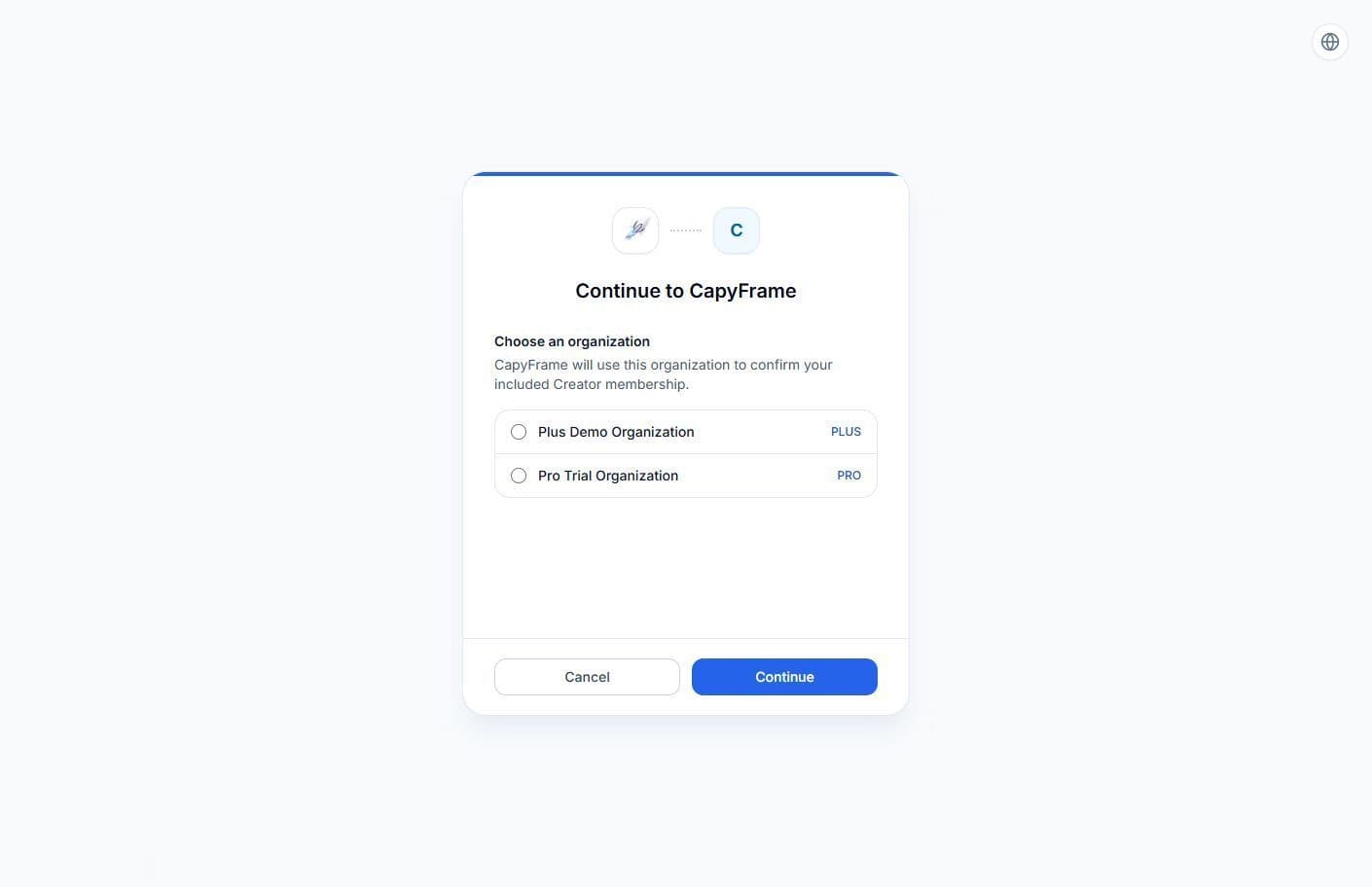
3. Choose an organization
Review the organizations where you are an owner or admin. Select one Plus or Pro organization, then choose Continue. If there is only one eligible organization, it is selected for you.
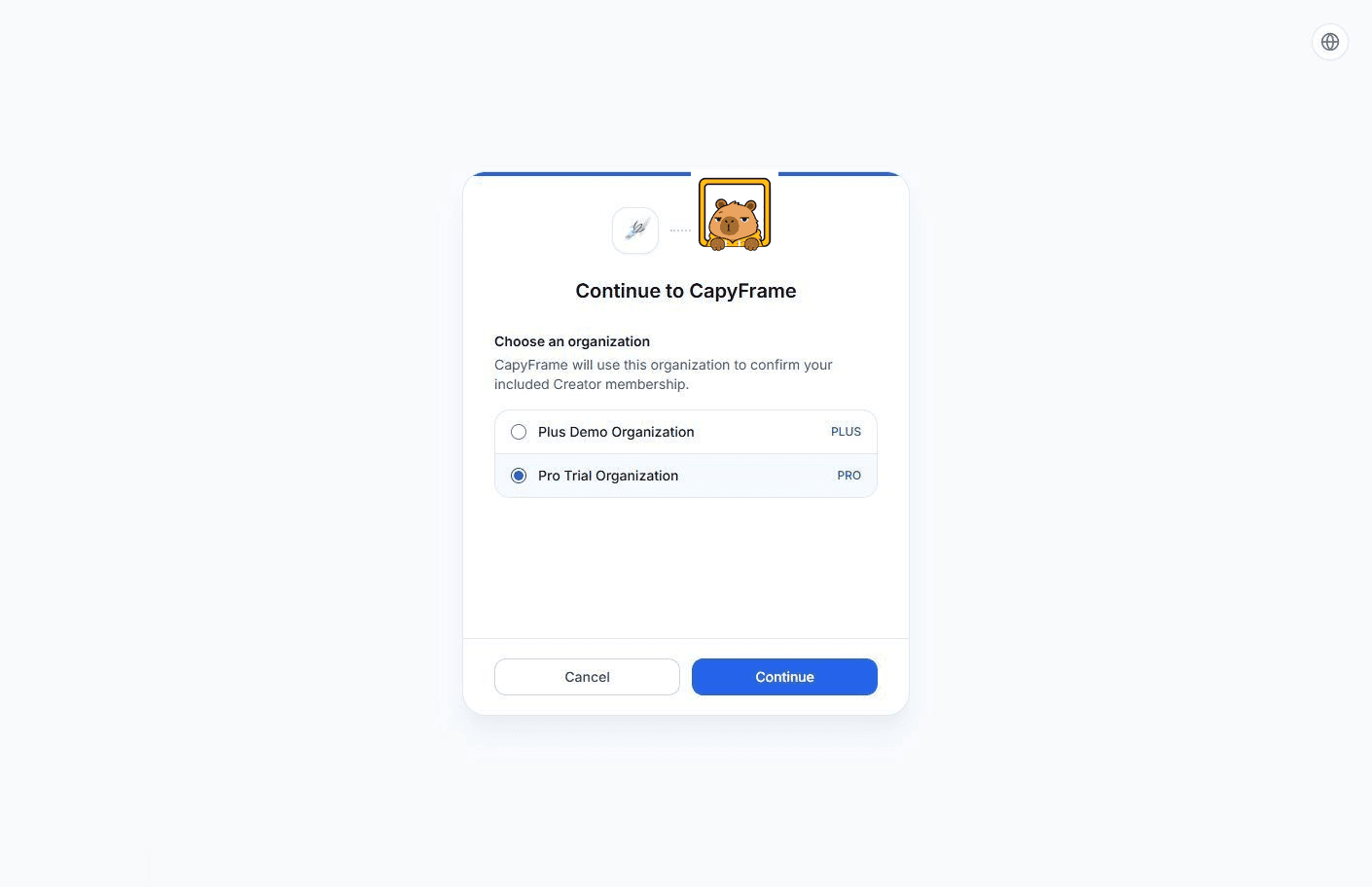
4. Allow CapyFrame
Confirm the organization you selected and allow CapyFrame to verify the included Creator membership. You can cancel at any time.
5. Start creating
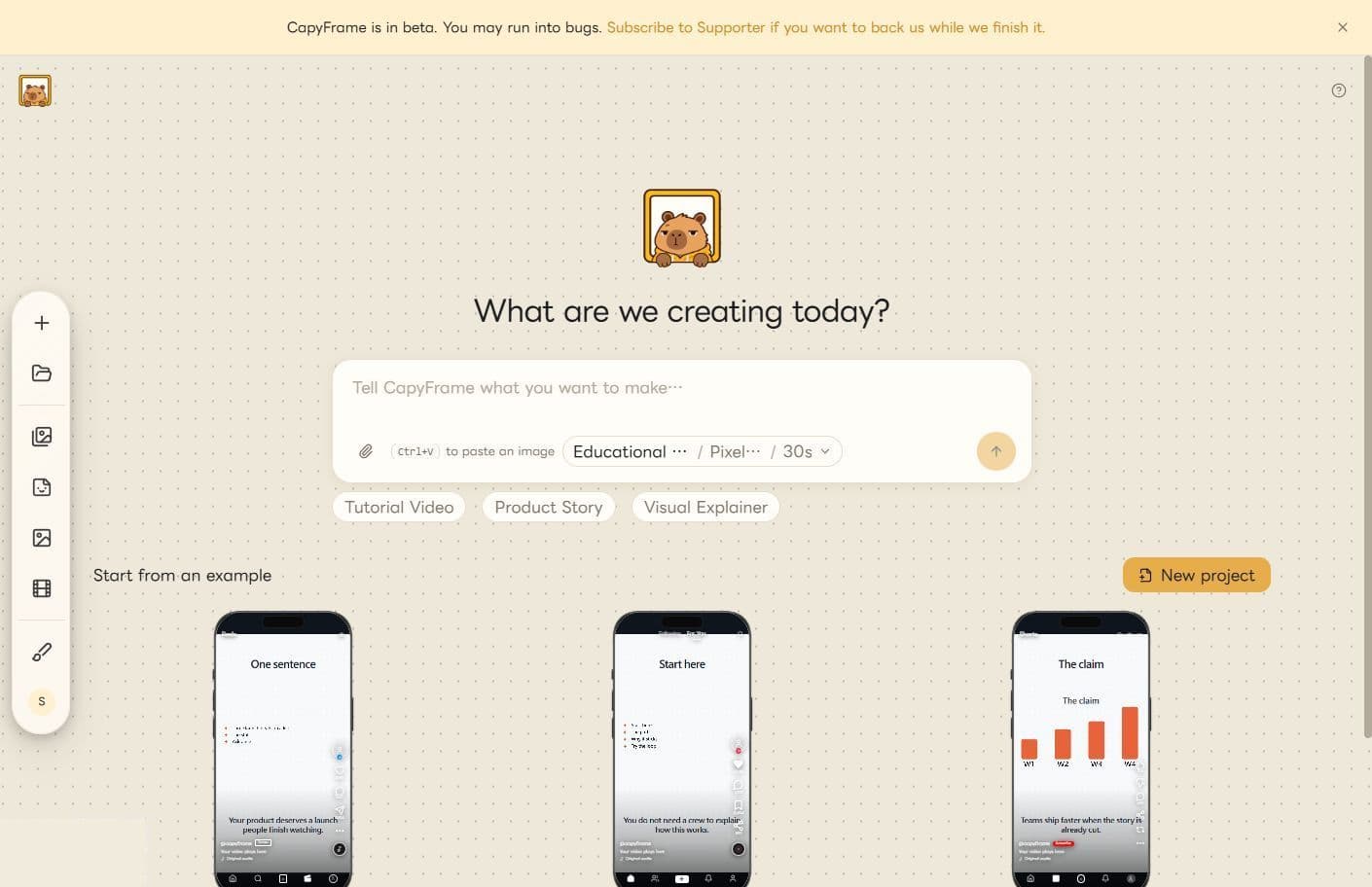
You return to CapyFrame and are signed in. CapyFrame grants Creator access for the selected organization.
Plus and Pro · Beta
Publish your videos on schedule
Finished CapyFrame videos go straight into your SMEPost schedule. Pick a video, write the caption, then publish it to Facebook and Instagram right away or at the time you choose.
See weekly schedulingClaim your included Creator membership now. Open CapyFrame and start making videos in minutes.
Start making videosNeed to change plans? View SMEPost pricing.